EN
▼
| Badge | Code | Name | Description | Actions |
|---|---|---|---|---|
| Loading... | ||||
| User | Hotel | Badges | First Scan | Last Visit | Last Scan | Actions |
|---|---|---|---|---|---|---|
| Loading... | ||||||
| User | Hotel | Badges | First Scan | Actions |
|---|---|---|---|---|
| Loading... | ||||
Configure which settings appear on each page and in what order. Drag to reorder, toggle checkboxes to enable/disable.
Hinweis: Aenderungen werden sofort gespeichert. Um eine Seite auf Standard zurueckzusetzen, klicke auf "Reset".
Edit the footer text that appears on all pages. Use the editor for formatting or switch to HTML view.
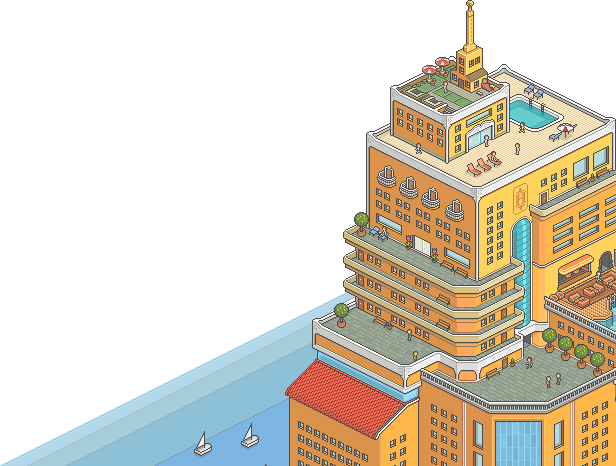
Configure the decoration image that appears in the bottom-right corner above the footer.
Show the Habbo hotel image on selected pages
No file selected
Replace the default snowflakes with a custom image (e.g. ducks, hearts, leaves). The image will fall from the top of the screen.
Replace white circles with your uploaded image
No file selected
Recommended: PNG or GIF with transparency, 20-50px size
Automatically check tracked users for new badges
Enable proxies for all API requests and cronjobs
Run batches non-stop (starts next batch immediately after completion)
Note: Private profiles cannot be scanned. The cron job will skip these users automatically.
Add users to be automatically tracked by the cron job, regardless of when they were last searched.
Habbo.com ▼
Habbo.com ▼
| User ↕ | Hotel ↕ | Status ↕ | Badges ↕ | Last Visit ↕ | Last Scan ↕ | Tracking Until ↕ | Actions |
|---|---|---|---|---|---|---|---|
| Loading... | |||||||
Enter usernames (one per line) to add them for first scan. Users that already exist will be skipped.
Sync badge "Owned since" dates from HabboWidgets. This will update first_seen dates if HabboWidgets shows an earlier date.
| Username | Can Manage Users | Created | Last Login | Actions |
|---|---|---|---|---|
| Loading... | ||||